
Home>Key Programmer>Car key Programmer>CNP231 For BMW BDC3 Remote Key Adding/Cloning Adapter for Hungary Keys
|
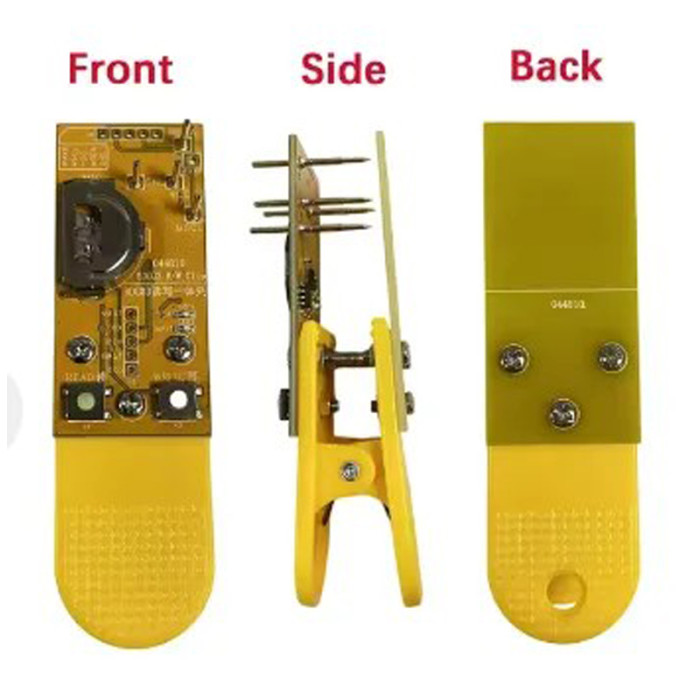
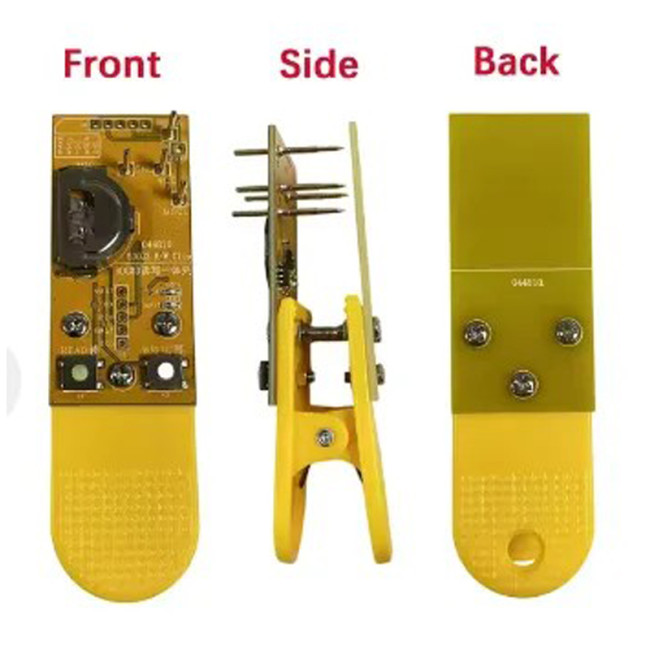
CNP231 For BMW BDC3 Remote Key Adding/Cloning Adapter for Hungary Keys
Looking for tech support? Please contact sales manager
or Whatsapp: +86-15889291896 or
Email: info@onlyda.com
or Whatsapp: +86-15889291896 or
Email: info@onlyda.com
Adding to cart succeed
CNP231 For BMW BDC3 Remote Key Adding/Cloning Adapter for Hungary Keys
color:red,size:xxl
Subtotal: US$ 0
View My Cart
-
- Product Name: CNP231 For BMW BDC3 Remote Key Adding/Cloning Adapter for Hungary Keys
- Item NO.: Programmer-123A
- Weight: 0.5 kg = 1.1023 lb = 17.6370 oz
- Volume: 100 CBM
- Category: Key Programmer > Car key Programmer
- Creation Time: 2026-03-19
CNP231 Easy Key Adding Matching Tool Programmer Device Free Copying Hungary Model
For BMW BDC3 X1 X3 X4 X5 F48
only for OEM key
Note :
1. Supports reading of encrypted and non-encrypted blade-style keys for BDC2/3
2.Supports reading of encrypted LCD keys for BDC2/3 (requires wire soldering for reading).
3.Supports writing to BDC3 blade-style keys.
4、Automatically sets the frequency(single frequency 315Mhz ,single frequency 433Mhz ,dual frequency 433Mhz/434Mhz), which depends on the frequency of the key being read.
5.The blue LED light has been removed; both reading and writing operations are indicated by the flashing of the red LED light.
User Manual :
1.After powering on, both Red and Blue LEDs stay on for 1 second and then turn off. The device has completed the self‑test and is ready for use.
2. Auto Power‑Off
If no operation is performed for 2 minutes, the device will power off automatically. After auto power‑off, any data that has been read but not yet written will be lost and must be read again.3.Reading the Original Key (READ)- Connect the original key properly.
- Press the READ button( Left).
- Red LED blinking: Reading in progress
- Red LED stays on: Reading successful.
Read Error Codes (Red LED blink count every 1 second)
- 1 blink: Key not connected properly.
- 2 blinks: Key is locked; reading not supported.
- 3 blinks: Read failed; try again.
- Other counts: Device error; remove and reinsert battery.
-
4. Writing to a New Key (WRITE)
Available only after reading succeeds (Red LED stays on)
- Connect the new key.
- Press the WRITE button(right).
- Blue LED blinking: Writing in progress
- Blue LED stays on: Writing successful
Write Error Codes (Blue LED blink count every 1 second)
- 1 blink: Key not connected properly.
- 2 blinks: Erase failed; chip erase locked.
- 3 blinks: Write failed; try again.
- Other counts: Device error; remove and reinsert battery
You May Also Like
-
-
 Renault super codeUS$ 9.29
 -
 MB Benz Ecu diagnostic cableUS$ 55.71
 -
-
 For Yamaha immo emulatorUS$ 13.00
 -
 24K Gold 8 Pin IC SocketUS$ 6.69
 -

-
 Frequency testerUS$ 5.57
 -
-
-
-

-
-
-
 Automotive Test Lead KitUS$ 74.29
 -
-
-
-
-
-
-
 For Benz immoblizer box diagnostic cableUS$ 37.14
 -
 kess V2 V5.017US$ 56.00
 -
-
-
-
-

-
-
-
-
-

-
-
-
-
 Original Tango key programmerUS$ 1250.00
 -
-
-
-
-
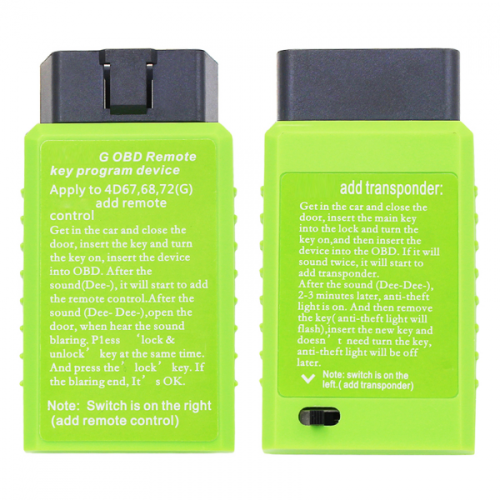 Toyota G OBD remote key program deviceUS$ 15.00
 -
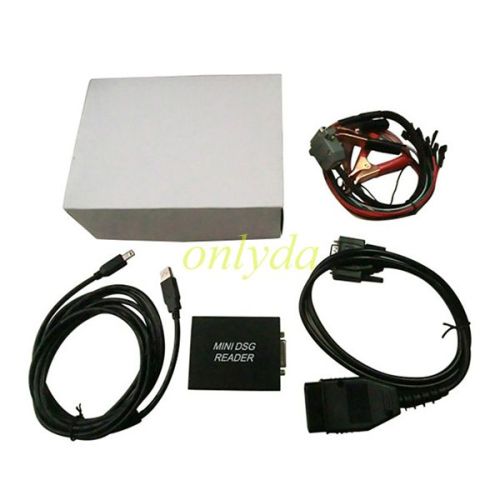 MINI DSG Reader For(DQ200+DQ250) VW/AUDIUS$ 68.71
 -
-
-
-

-
 Open YAMAHA TMAX function with TMAX cableUS$ 249.00
 -
-
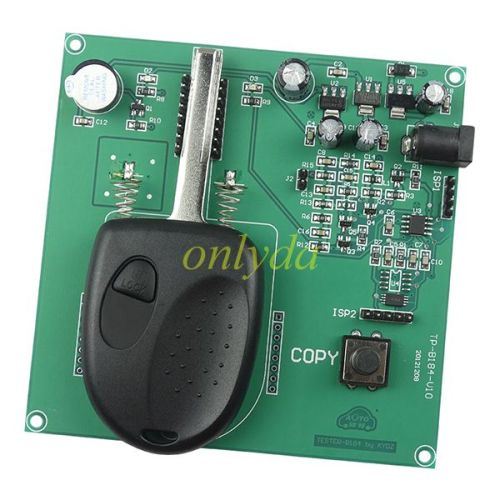 For Chevrolet Holden key programmerUS$ 102.14
Recently Viewed
-
-
-

-

-
 universal transponder key shellUS$ 0.84 ~ US$ 0.90
 -

-

-
 BU941ZPUS$ 1.90
- Company Info
- Feedback
- Customer Reviews
- About Us
- Contact Us
- News
- User Center
- Forget Password
- My Orders
- Tracking Order
- My Account
- Register
- Payment & Shipping
- Shipping Methods
- Payment Methods
- Terms of Service
- Return Policy
- Privacy Policy
Customer Reviews